

Home and Business Security in Port Clinton, Ohio
Family owned since 1983. Local techs. Monitored 24/7 by our central station. Free quotes. No activation fee.
Our office is at 4062 E Harbor Rd in Port Clinton. That means a Port Clinton service call is a short drive, not a two-day wait.
Call 844-CATAWBA or 419-797-4091 for a free quote.
What we install in Port Clinton
- Home alarm systems. Door and window sensors, motion, glass break, smoke and CO. Control it from your phone.
- Business alarm systems. Wired or wireless. User codes for each employee. Open and close reports.
- Fire alarm systems. Commercial fire alarms, installed and monitored. We work with your local fire inspector.
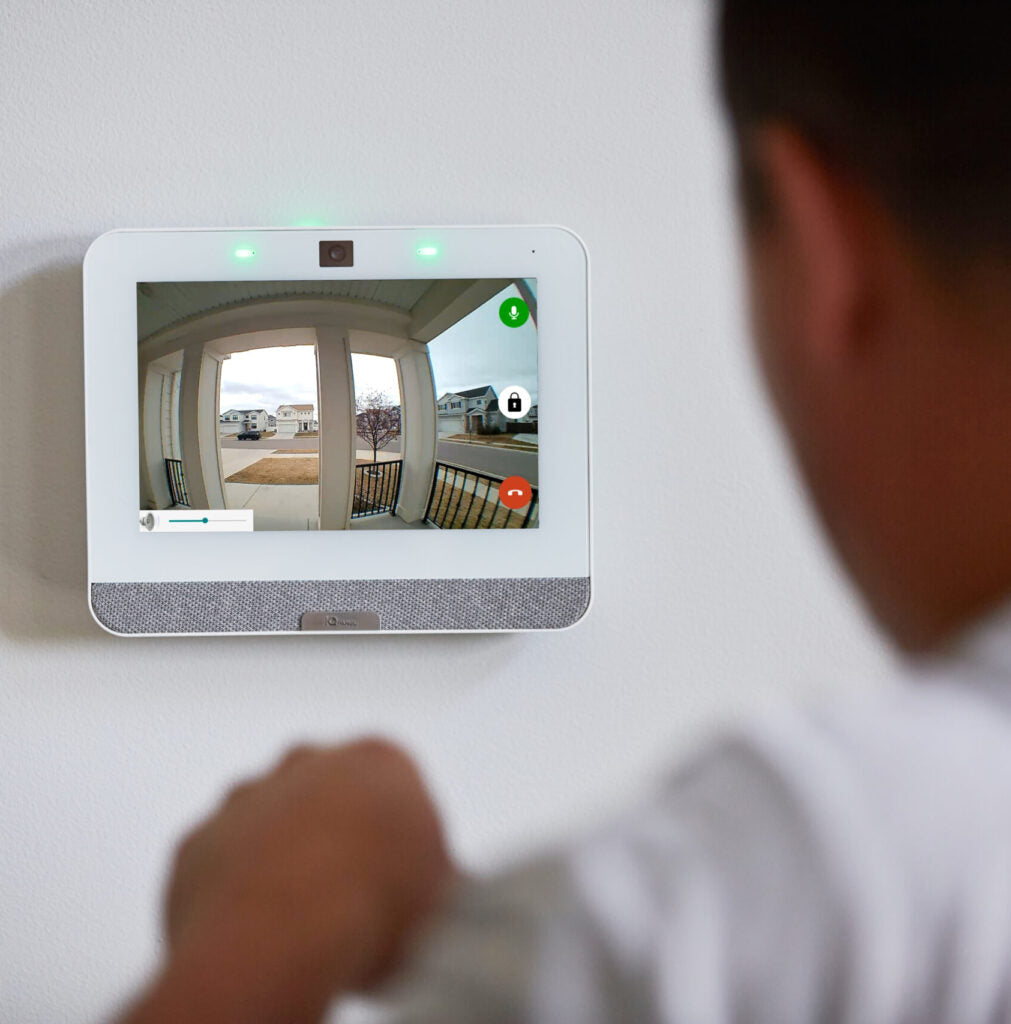
- Cameras. Indoor, outdoor, doorbell and floodlight cameras. Watch live or go back and look.
- Access control. Key fobs and cards instead of keys. Lock and unlock doors from anywhere.
- Medical alert. Help at the push of a button for a parent who lives alone.
Why Port Clinton picks a local company
We protect homes on Catawba Island and in town, plus marinas, restaurants, shops and offices along Harbor Rd and downtown. Lake-effect weather and seasonal homes are normal here. We set up systems for both.
- Same-area techs. Our people live here. No call center in another state.
- 24/7 emergency service. If something breaks at 2 a.m., we answer.
- You own your equipment. No long-term contract. We earn your business every month.
- No activation fee. The quote is the price.
How it works
- Call or fill out the form. 844-CATAWBA or 419-797-4091.
- Free site visit. We walk your home or building and give you a written quote.
- We install it. Usually one day. We show you how to use it before we leave.
- We monitor it. Our central station watches your property 24 hours a day, 365 days a year.
Also serving near Port Clinton
Catawba Island, Lakeside Marblehead, Oak Harbor, Put-in-Bay and Kelleys Island.
Get a free quote or call 844-CATAWBA.


