
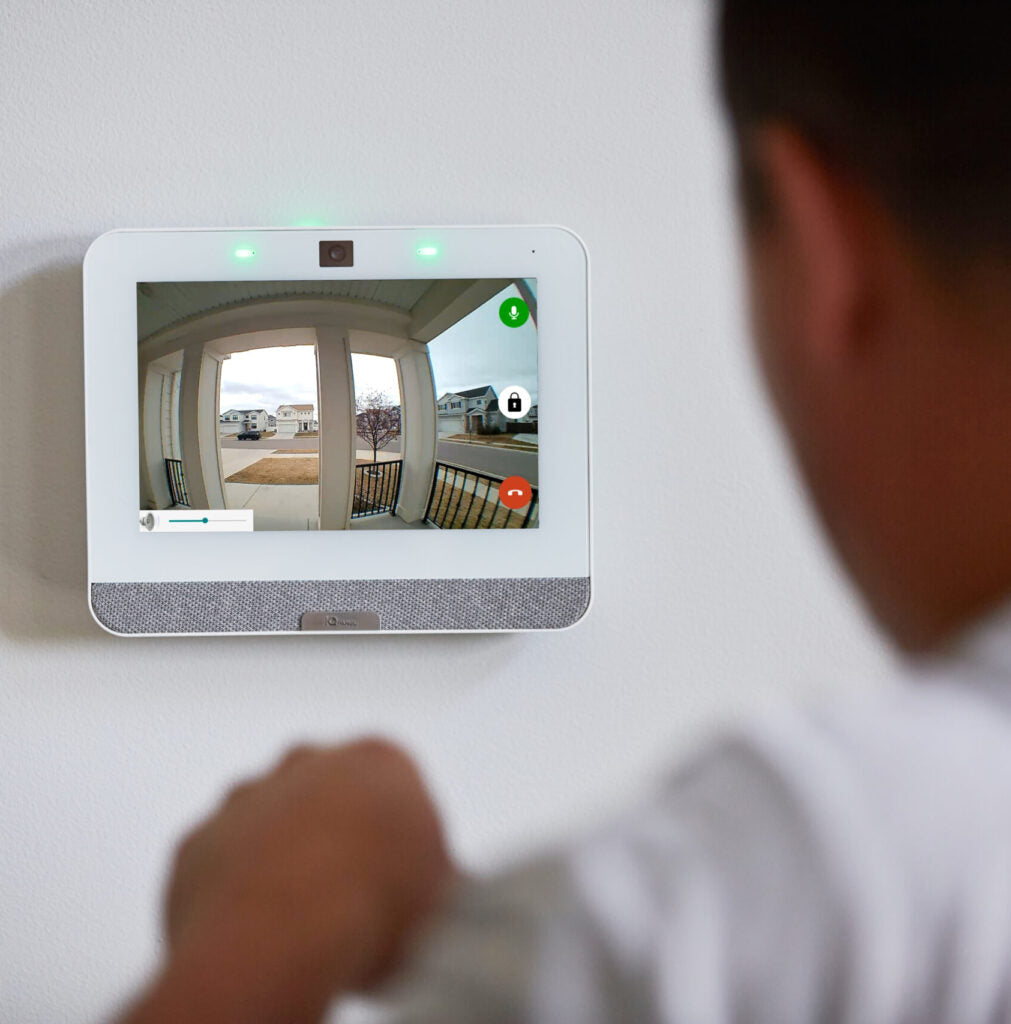

A good security system should make your property safer without making daily life more complicated. Whether you are protecting a home, office, retail location, warehouse, or other commercial property, the best security solutions combine strong protection with technology that is easy to use.
Modern security systems can provide better awareness, faster alerts, and more control while still allowing employees, family members, customers, and authorized visitors to move through the property conveniently.
Start With the Areas That Matter Most
Effective security begins by identifying the areas where unauthorized access or activity is most likely to occur.
Common areas to protect include:
- Main entrance doors
- Side and rear doors
- Garage or overhead doors
- Ground-level windows
- Driveways and parking areas
- Loading areas
- Detached garages and workshops
- Storage areas
- High-value equipment or inventory locations
Instead of adding security devices everywhere, a properly planned system places the right equipment where it provides the most useful coverage.
Use Smart Perimeter Protection
Door and window sensors remain one of the simplest and most effective ways to protect a building.
Modern wireless sensors can monitor entry points without requiring complicated wiring throughout the property. When the security system is armed, an opening can immediately trigger an alert.
For businesses, overhead doors and secondary entrances can also be monitored so managers have better visibility into when different areas of the property are accessed.
The goal is strong perimeter protection without interfering with normal operations.
Add Motion Detection Where It Makes Sense
Motion detectors provide another layer of security by monitoring activity inside protected areas.
They can be especially useful in hallways, offices, warehouses, showrooms, and other areas where someone would have to travel after entering the building.
A properly designed system does not simply install motion detectors everywhere. Device placement should consider the property's layout, normal activity, pets, environmental conditions, and how the building is actually used.
Use Security Cameras for Awareness and Verification
Security cameras can provide valuable information before, during, and after an event.
Modern video systems can allow property owners to:
- View cameras remotely
- Receive video alerts
- Monitor entrances and exterior areas
- Review recorded activity
- Verify events before taking action
- Keep an eye on the property while away
The right camera system should provide useful coverage without requiring someone to constantly watch live video.
Features such as intelligent video analytics can help reduce unnecessary notifications by focusing on activity that actually matters.
Choose Remote Access That Simplifies Security
One of the biggest improvements in modern security technology is the ability to manage a system remotely.
Depending on the system and services selected, users may be able to check system status, arm or disarm the system, receive notifications, and view cameras from a smartphone.
This can make security significantly more convenient for business owners, managers, homeowners, and anyone responsible for more than one location.
Instead of wondering whether the system was armed or what caused an alert, important information can be available directly from a mobile device.
Use Notifications Without Creating Notification Overload
Security alerts are helpful only when people pay attention to them.
A system that generates too many unnecessary notifications can quickly become frustrating. That's why notification settings should be configured around the events that are actually important.
For example, you may want notifications when:
- A security alarm occurs
- A specific door opens after hours
- Someone enters a restricted area
- A camera detects activity in a protected location
- The security system is armed or disarmed
- An important device requires attention
Customizing notifications helps keep the system useful without allowing security technology to become a distraction.
Consider Professional Monitoring When Appropriate
Remote access and self-monitoring can provide valuable information, but some properties may benefit from central station monitoring as an additional layer of protection.
With professional monitoring, alarm signals can be received by a monitoring center that can follow established response procedures when an alarm occurs.
The right monitoring approach depends on the type of property, the level of protection required, and how the owner wants alarms handled.
Make the System Fit the Property
Convenience does not come from using fewer security devices. It comes from selecting the right devices and configuring them correctly.
A well-designed system should consider:
- Property layout
- Number and type of entry points
- Areas requiring camera coverage
- Normal employee or family activity
- Operating hours
- Valuable assets
- Notification preferences
- Monitoring requirements
- Future expansion
The system should work around the way the property is used rather than forcing the property owner to work around the security system.
Security Should Be Easy to Live With
The strongest security system is one that people actually use.
Complicated systems, excessive alerts, difficult controls, and poorly placed equipment can cause users to ignore features or stop using them altogether.
Modern security technology makes it possible to build a system that provides strong protection while remaining simple to operate.
At Catawba Security, we help customers choose security equipment and system configurations that provide the protection their property needs without adding unnecessary complexity.


