

Home and Business Security in Marblehead and Lakeside, Ohio
Family owned since 1983. Local techs. Monitored 24/7 by our central station. Free quotes. No activation fee.
Marblehead is about 15 minutes from our Port Clinton office. We have protected homes and businesses on the peninsula for decades.
Call 844-CATAWBA or 419-797-4091 for a free quote.
What we install in Marblehead
- Home alarm systems. Door and window sensors, motion, glass break, smoke and CO. Control it from your phone.
- Business alarm systems. Wired or wireless. User codes for each employee. Open and close reports.
- Fire alarm systems. Commercial fire alarms, installed and monitored. We work with your local fire inspector.
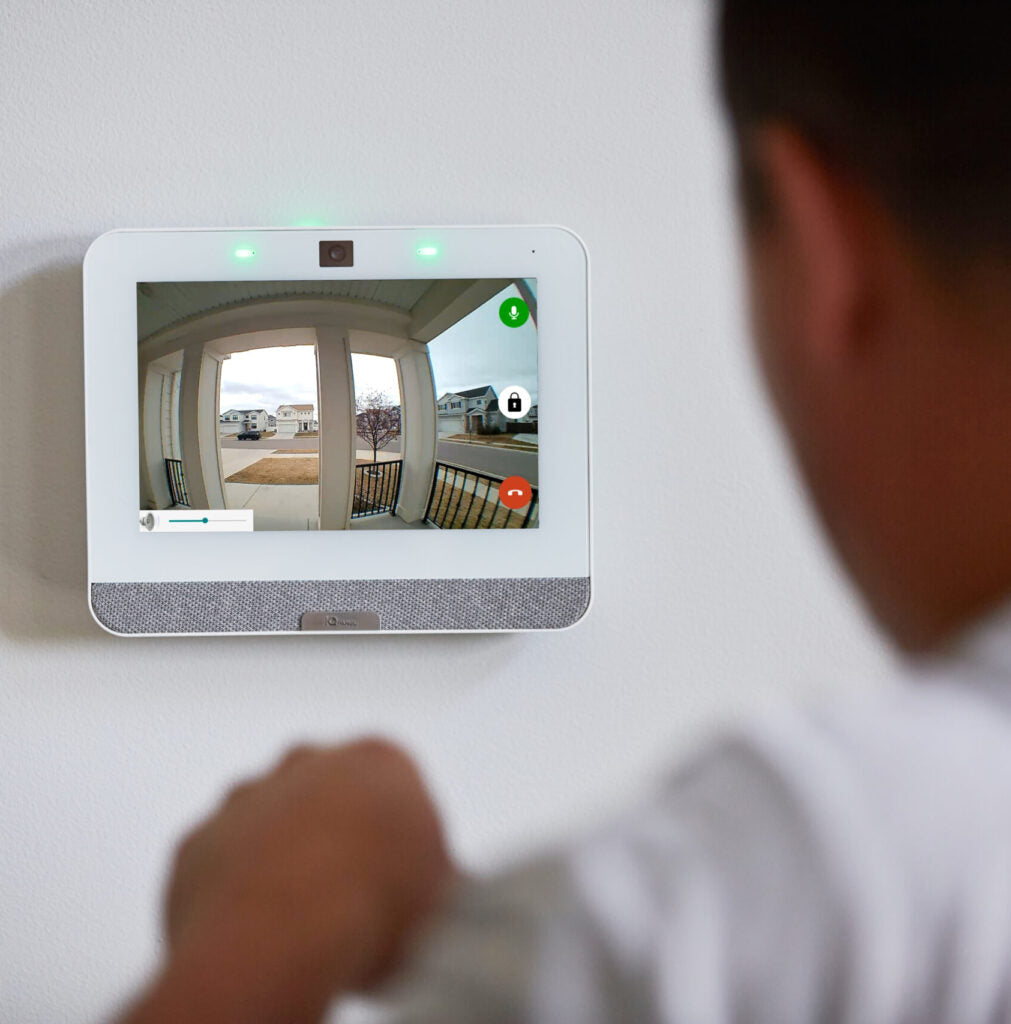
- Cameras. Indoor, outdoor, doorbell and floodlight cameras. Watch live or go back and look.
- Access control. Key fobs and cards instead of keys. Lock and unlock doors from anywhere.
- Medical alert. Help at the push of a button for a parent who lives alone.
Why Marblehead picks a local company
Many Marblehead and Lakeside homes sit empty for months at a time. A monitored alarm with water and low-temp sensors tells you about a burst pipe or a failed furnace before it turns into a gutted house. Cameras let you check the dock from your phone.
- Same-area techs. Our people live here. No call center in another state.
- 24/7 emergency service. If something breaks at 2 a.m., we answer.
- You own your equipment. No long-term contract. We earn your business every month.
- No activation fee. The quote is the price.
How it works
- Call or fill out the form. 844-CATAWBA or 419-797-4091.
- Free site visit. We walk your home or building and give you a written quote.
- We install it. Usually one day. We show you how to use it before we leave.
- We monitor it. Our central station watches your property 24 hours a day, 365 days a year.
Also serving near Marblehead
Lakeside, Bay Point, Danbury Township, Port Clinton and Catawba Island.
Get a free quote or call 844-CATAWBA.


