
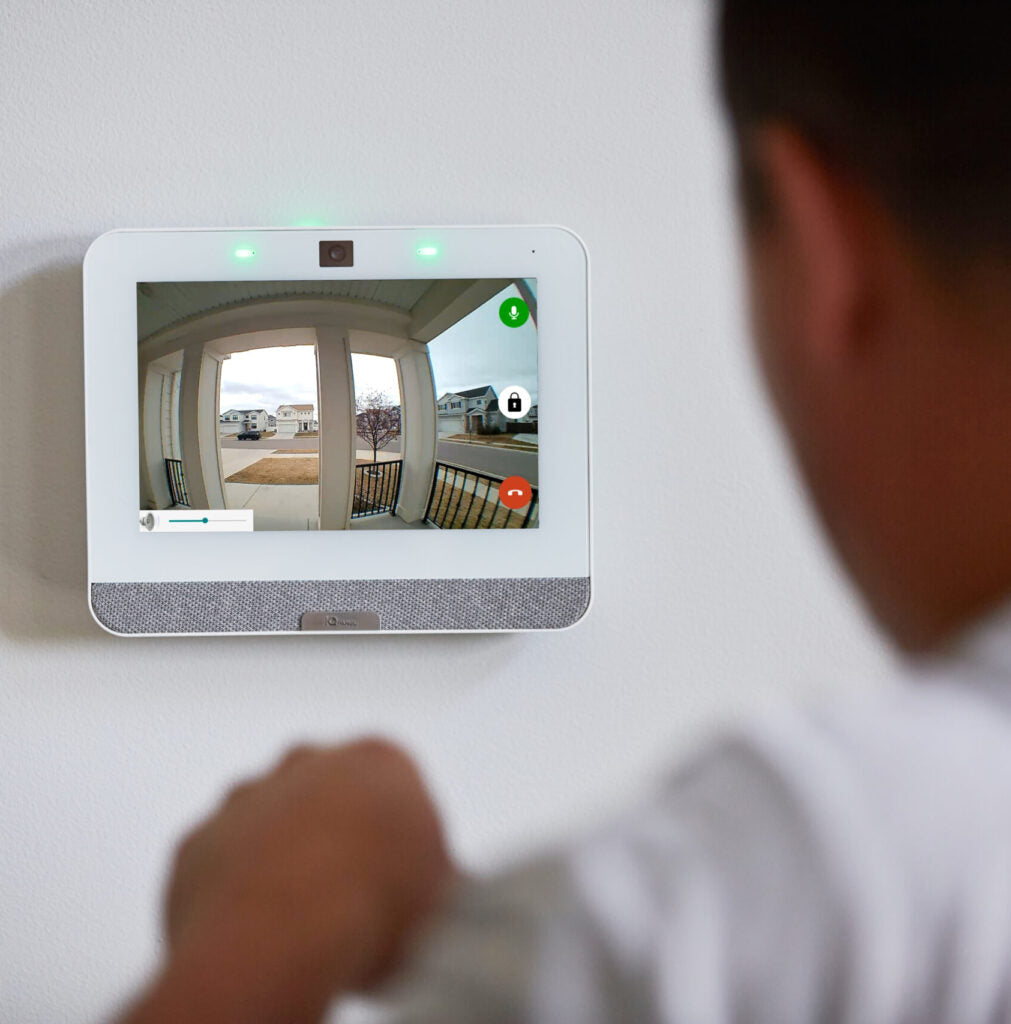

A reliable home security system requires periodic evaluation to ensure it continues to meet current risks, technology standards, and property needs. The following framework provides a structured approach to assess system effectiveness and identify areas for improvement.
1. Assess Entry Point Protection
Start by reviewing all potential access points, including doors, windows, and garage entries. Each should have appropriate protection in place.
- Confirm that door and window sensors are installed and functioning
- Check for gaps, misalignment, or damaged contacts
- Ensure high-risk areas (rear doors, basement windows) are secured
If any entry point lacks coverage, it creates a vulnerability that should be addressed immediately.
2. Evaluate Camera Coverage and Performance
Video surveillance should provide clear, consistent visibility of key areas.
- Verify cameras cover primary entry points, driveways, and blind spots
- Check image clarity during both day and night conditions
- Inspect for obstructions such as dirt, weather damage, or poor positioning
Outdated or poorly placed cameras reduce the effectiveness of the entire system.
3. Test Alarm System Functionality
An alarm system must perform reliably under all conditions.
- Test all sensors, motion detectors, and panic devices
- Confirm the control panel responds correctly to triggers
- Verify audible alarms are loud and clearly heard throughout the property
Routine testing ensures the system performs as expected during an actual event.
4. Review Monitoring and Alerts
Timely alerts are critical for rapid response.
- Confirm professional monitoring is active and properly configured
- Test mobile notifications for accuracy and speed
- Ensure all users receive alerts as intended
Delayed or missed notifications can significantly impact response time.
5. Inspect Lighting and Visibility
Lighting plays a key role in deterrence and camera performance.
- Evaluate exterior lighting around entry points and pathways
- Confirm motion-activated lights are operational
- Identify dark areas that could conceal activity
Well-lit properties are less attractive targets and improve video clarity.
6. Check System Integration and Smart Features
Modern systems often include smart integrations that enhance control and automation.
- Review connections with smart locks, doorbells, and automation devices
- Ensure mobile app access is functioning properly
- Confirm firmware and software are up to date
Disconnected or outdated components reduce overall system efficiency.
7. Identify Outdated Equipment
Security technology evolves quickly, and older systems may no longer provide adequate protection.
- Look for aging control panels, low-resolution cameras, or unsupported devices
- Evaluate whether the system meets current security standards
- Consider upgrading components that limit performance or reliability
Upgrades can significantly improve both security and user experience.
8. Review User Access and Permissions
Access control is often overlooked but critical for maintaining security.
- Remove outdated or unused user codes
- Update passwords and app credentials
- Assign appropriate access levels for household members
Proper access management reduces the risk of unauthorized system use.
9. Conduct a Full System Test
Perform a complete walkthrough to simulate real-world use.
- Arm and disarm the system from multiple devices
- Trigger alarms intentionally to verify response
- Confirm communication between all components
This step validates that the system operates as a cohesive unit.
Conclusion
Evaluating your home security setup is not a one-time task. Regular assessments help identify weaknesses, maintain system performance, and adapt to changing risks. A well-maintained system ensures reliable protection, faster response times, and greater peace of mind.


